
.png)


.png)


Provisioning places a credential in a phone, and that takes seconds. Everything after it takes years. The credential is used, updated when details change, replaced when a card is reissued or a phone is swapped, and eventually retired. Credential lifecycle management is the work of handling each of those events without issuing the credential again.
What does it mean to provision a credential?
Provisioning is loading a credential onto a device, such as a phone or a watch, so it is ready for its first tap.
There are two routes, and the difference matters for everything that follows. The first places the credential in the secure element, the tamper-resistant chip inside a phone or watch that stores credentials apart from the rest of the device. The second keeps the credential in software on the device instead.
Android’s own documentation draws this line directly: when card emulation uses a secure element, the card is provisioned into that element on the device, while host-based card emulation routes the data to the host processor instead of to a secure element. Host card emulation, usually shortened to HCE, is the method Android uses to let a phone act as a contactless card without relying on that chip.
PayCloud handles both routes. Apple SE TSM places credentials in the secure element on iPhone and Apple Watch. Android HCE delivers the same credential experience across Android devices. Which route a credential takes changes the mechanics underneath, but it should not change what the cardholder, guest, or patient experiences.
One point worth holding onto in planning: the two routes are not a better option and a worse one. They reflect how the two platforms are built. A program serving customers on both will run both, which is among the reasons a credential program scoped as a single integration often turns out to involve more than one.
What is a trusted service manager?
A trusted service manager, usually written as TSM, is the authorized party that loads credentials into a phone’s secure element and manages them over their whole life.
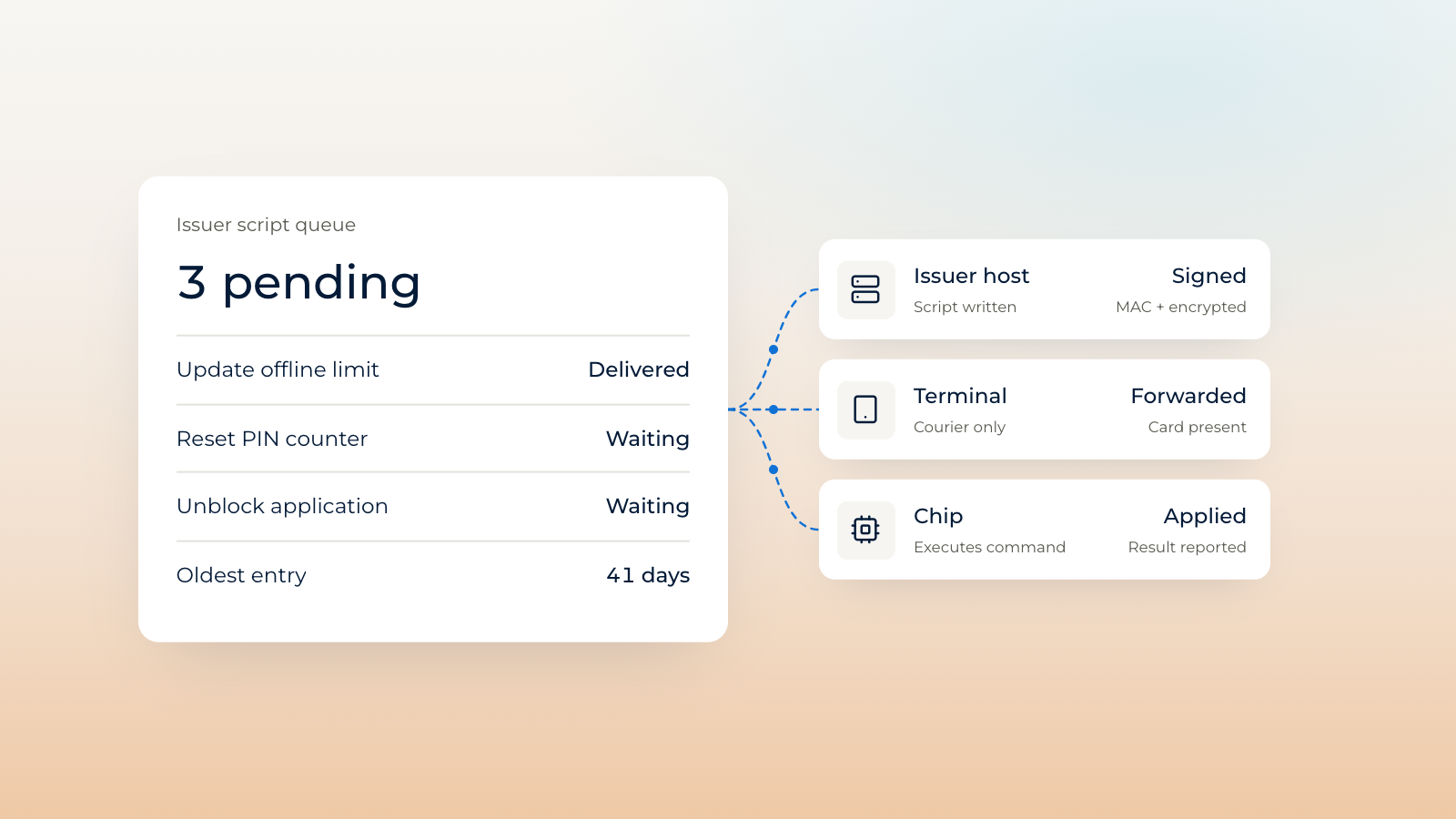
The second half of that sentence is the part that gets overlooked. A TSM is not only a delivery mechanism. The same authorization that permits a credential to be written into the secure element is what permits it to be changed, suspended, or removed later. An organization that arranges provisioning without arranging the management relationship has solved the first day and left the next thousand undecided.
This is why the TSM relationship tends to outlast the launch project that created it. It is an operating relationship wearing the clothes of an integration.
How is a card updated in a phone wallet without reissuing it?
The credential in the wallet is a token, a stand-in value that represents the underlying card without being the card number itself, so details behind the token can change while the token stays where it is.
That separation is what makes an update possible. When a cardholder’s account details change, the token in the phone does not have to be torn out and replaced. The relationship between the token and the account is maintained on the back end, and the credential the person already has keeps working.
This is written into the standard rather than invented by any one provider. EMVCo’s Payment Tokenisation Specification, in its July 2026 revision, accommodates ongoing changes to the relationship between a payment token and the underlying account number as a result of lifecycle management events, naming updates to the underlying account, lost or stolen devices, and deactivation of the token among them.
The practical consequence for a program is that updating a credential should be a routine operation rather than a project. If your architecture requires reissuing a credential every time something about the cardholder changes, you do not have a lifecycle. You have repeated provisioning.
What happens when a card is reissued or a phone is replaced?
Both are lifecycle events that a well-designed architecture absorbs, rather than fresh provisioning projects that start from nothing.
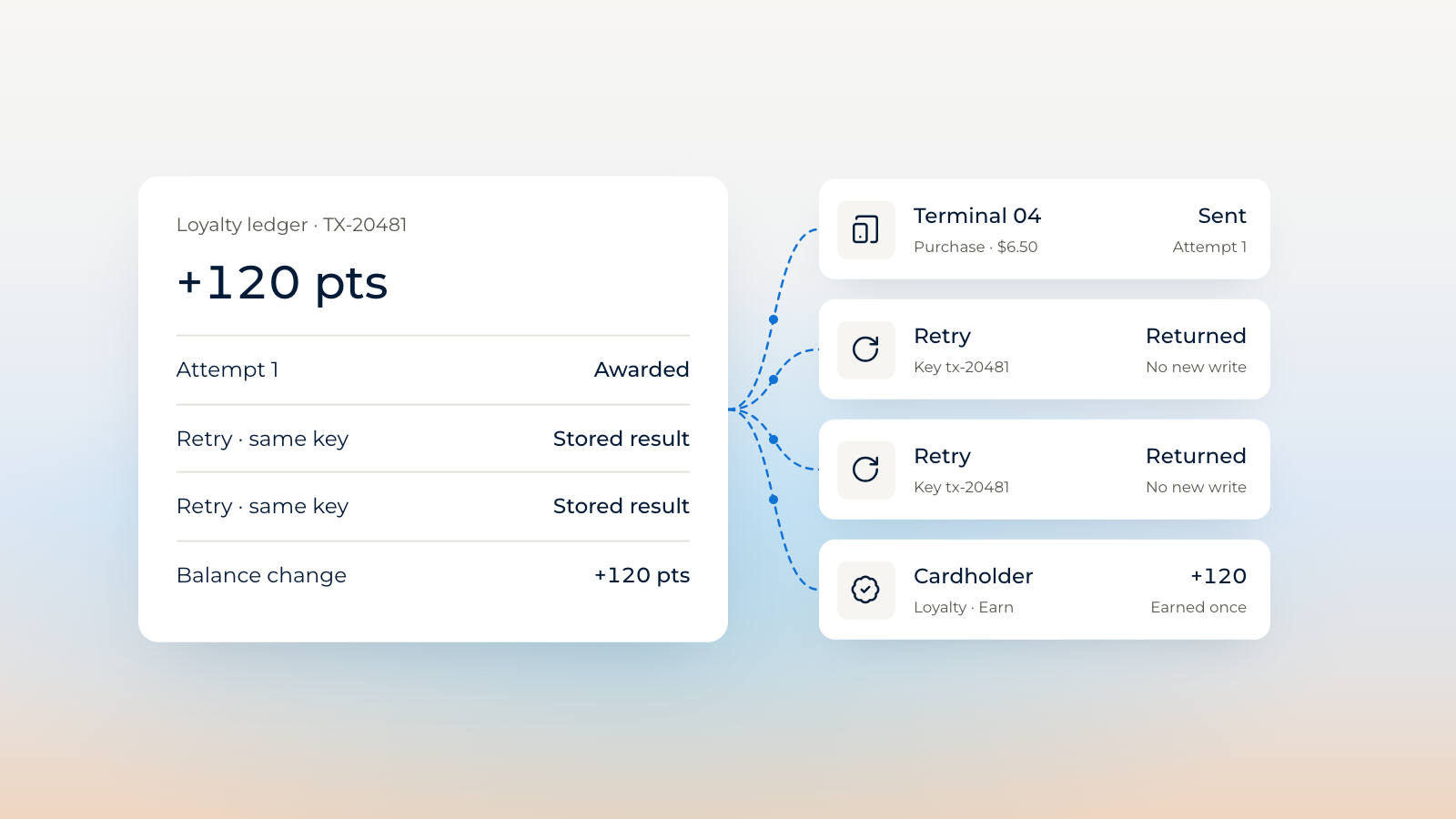
A reissued card is the more common of the two and the more revealing. The account continues. The card number changes. Any system that was quietly recognizing the cardholder by matching on the card number now fails to recognize them, usually without raising an error, which is what makes the failure expensive to find. A loyalty balance loses its owner. A spending control stops applying. Nothing is broken enough to page anyone.
A replaced phone works differently but asks the same question of the architecture. The credential on the old device should be retired. A credential on the new device should be provisioned and attached to the same relationship, not to a new one that happens to belong to the same person.
In both cases the question is the same: what does the program use to recognize a person when the obvious identifier has changed? Programs that answered that question during planning handle these events quietly. Programs that did not handle them as incidents.
The support desk usually learns about these events before any dashboard does. Someone calls because a balance looks wrong or a door that worked last month does not open, and the agent has no way to connect that call to a card reissued three weeks earlier. The cost arrives as support volume and as a slow erosion of confidence, which is harder to measure than an outage and considerably more damaging to a program.
Who manages the keys behind a mobile credential?
Every credential is protected by cryptographic keys, the secrets that prove a credential is genuine, and somebody has to govern those keys across their entire life.
Key management is the least visible part of a credential program and the part that ages least gracefully when it is improvised. Keys are generated, distributed, rotated on a schedule, and retired. Access to them has to be controlled and auditable. Those obligations do not pause when a launch finishes, and they do not reduce as a program grows. They multiply with it.
Unified Key Management centralizes control of those keys across cloud services and hardware security modules, which are tamper-resistant devices built to store and use cryptographic keys. The reason to centralize is not elegance. It is that a program running several credential types across both Apple and Android devices otherwise accumulates several key management approaches, and the weakest one sets the real standard.
Why does the lifecycle decide year three rather than year one?
A launch proves that provisioning works. The years after it prove whether the lifecycle does.
Most credential programs look alike in month three. There is a card in a wallet, a room key that opens a door, a badge that works at a turnstile, and a demo that runs on the first try. The differences appear later, and they appear at the unglamorous moments: a reissuance, a role change, a replaced device, a tier upgrade, a cardholder who calls support because something that used to work no longer does.
None of those moments is dramatic. Together they determine whether the credential your organization put in a customer’s phone is still worth their trust three years after you put it there.
That is what provisioning once is meant to deliver. The credential is loaded one time, and every later change is managed rather than rebuilt.
Where to go next
PayCloud Provision™ is credential provisioning infrastructure built on Provision-Once Architecture™. A credential is provisioned once and managed through every change that follows, across payments, access, identity, and loyalty.
Read how PayCloud Provision manages the full lifecycle.
Provisioned once. Trusted everywhere. One secure infrastructure for payments, access, identity, and loyalty.
Frequently asked questions
What is credential lifecycle management?
Credential lifecycle management is the handling of every event in a credential’s life after it is provisioned: use, updates, suspension, replacement, and retirement. It is the work that keeps a credential valid and trusted for years rather than only at launch.
How is a card updated in a phone wallet without reissuing it?
The credential in the wallet is a token that represents the underlying card rather than being the card number itself. Account details can change behind that token while the token in the phone stays in place, so the cardholder keeps using the credential they already have.
What is a trusted service manager?
A trusted service manager, or TSM, is the authorized party that loads credentials into a phone’s secure element, the tamper-resistant chip inside the device, and manages those credentials over their whole life. PayCloud’s Apple SE TSM performs this role for iPhone and Apple Watch.
Who manages the keys behind a mobile credential?
Cryptographic keys protect every credential and must be generated, distributed, rotated, and retired under controlled access. PayCloud’s Unified Key Management centralizes that governance across cloud services and hardware security modules, so security stays consistent as a program adds credential types.
What is the difference between Apple SE TSM and Android HCE?
Apple SE TSM places the credential inside the secure element chip on Apple devices. Android HCE uses host card emulation, which lets an Android phone act as a contactless card through software, to deliver the same credential experience on Android.
Sources
EMVCo. EMV Payment Tokenisation Specification, Technical Framework, version 2.4, July 2026.


.svg)